Whonym
- My role
- Solo: design and build.
- Year
- 2026
- Type
- iPhone and Apple Watch app
- Status
- On TestFlight
(Work the app)
Tap through its screens. In the live session, tap an introduction to name that voice.
When a class or meeting starts, it offers to take notes.
Thursday, Nov 12
Whonym
Now · Meeting
Design review
Studio 3
A recreation of the app’s screens in HTML, from its SwiftUI code and colours: not screenshots. Every name, place and line is sample data.
- Status
- On TestFlight. I’m building it on my own.
- Next
- Before I share the app with anyone, its cloud calls would move behind a small server; a public release would also need Google’s security review for Gmail.
Whonym is a note-taker that remembers people, not just meetings. It tells voices apart, learns a name the moment someone introduces themselves, and remembers who I met, when and where. I’m building it on my own, for iPhone and Apple Watch.
Consent and privacy
Whonym records the people around me, so every session opens with a reminder to let people know, and getting everyone’s agreement is up to the person recording. Voiceprints stay on the phone, out of backups, and can be deleted for one person or for everyone.
Limits
iOS keeps Messages history from apps, so Whonym drafts replies only to texts I paste or share, and no app can start the iPhone microphone from the background.
The look
An index card: paper, ruled lines, a red line down the left and a highlighter for each speaker.
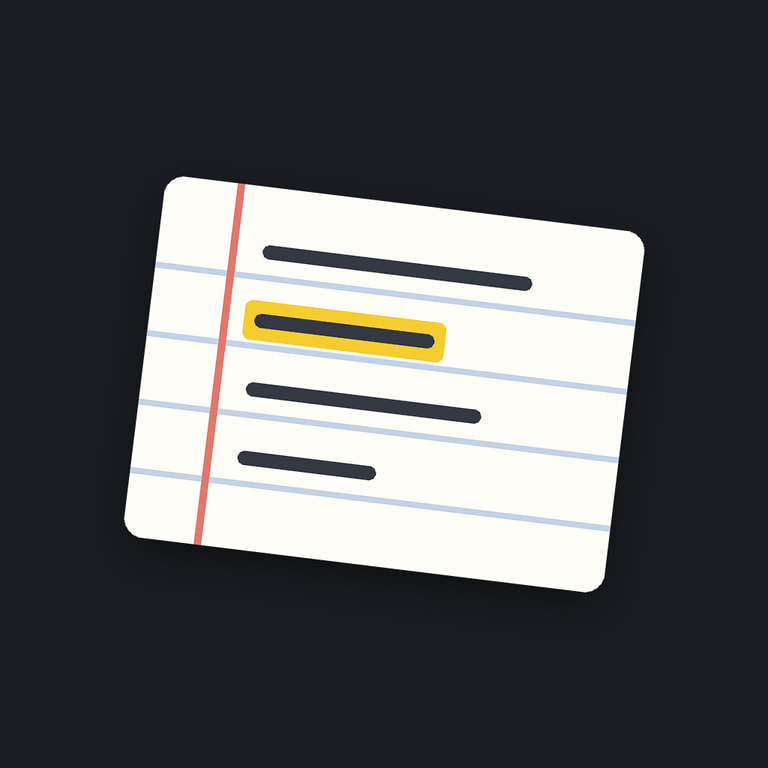
The app icon: one index card, one line highlighted.
How it fits together
Live work stays on the phone; the cloud re-check and the drafts come after the session, with my own keys, and are optional. The Watch only records and relays.
Facts
- My role
- Solo: design and build
- Company
- Tully Tech
- Runs on
- iPhone and Apple Watch, iOS 26 and watchOS 26 or later
- On the phone
- Apple’s on-device speech recognition; FluidAudio (CoreML) for who is talking
- After a session
- pyannoteAI re-checks speakers; Claude checks names and drafts. Both optional, with my own keys
- Status
- On TestFlight